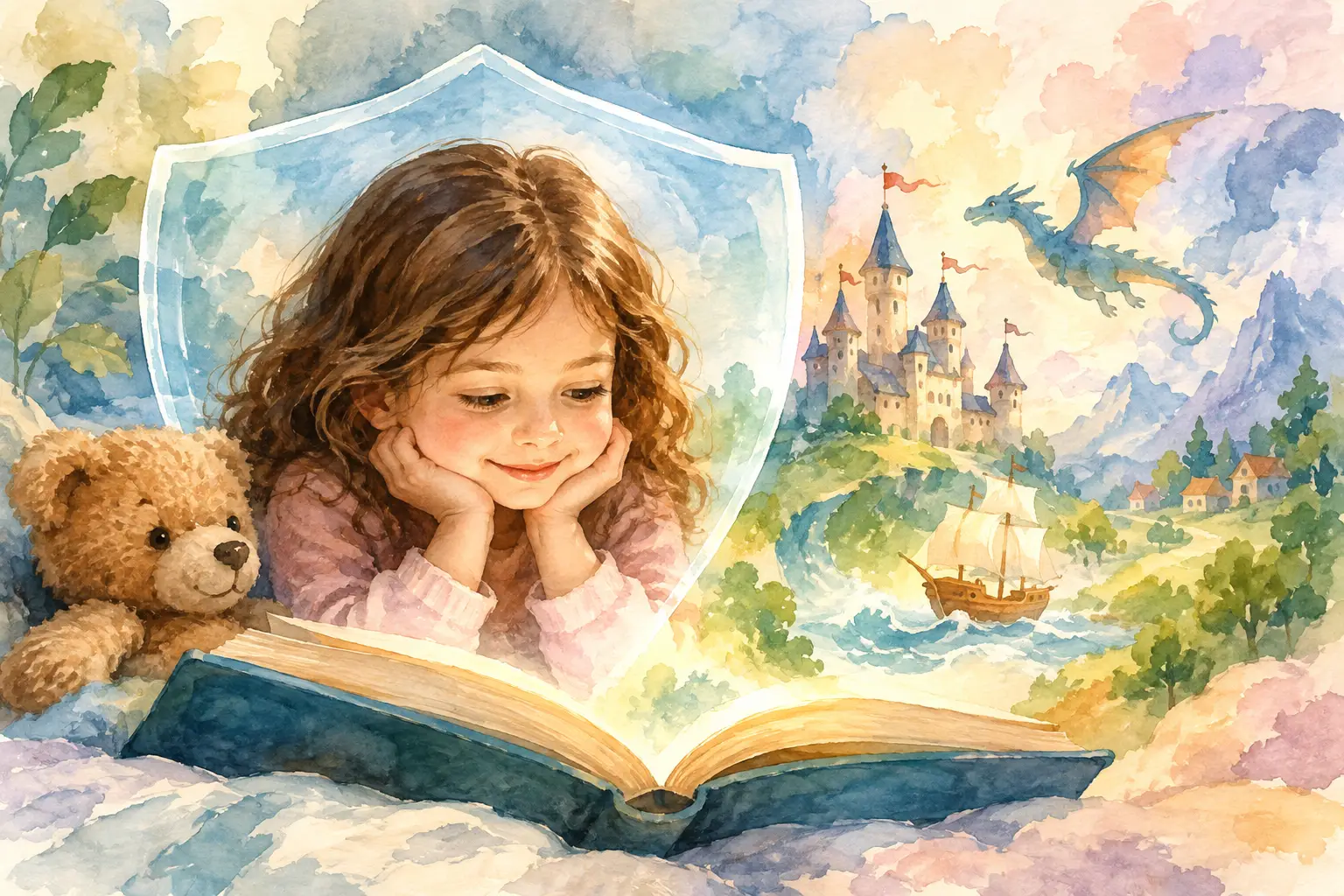
A favorite photo can turn an ordinary bedtime book into something your child reaches for again and again: a brave astronaut with their smile, a dragon tamer with their familiar curls, or a kind community hero who looks wonderfully like them. This child photo safety guide is here to help you protect that little bit of magic while creating personalized stories your family can treasure.
Photos hold more than a sweet expression. Depending on what is visible, they can also reveal a child’s school, neighborhood, daily routine, or other details that are best kept within the family. A few thoughtful choices before you upload, save, or share can help keep the focus exactly where it belongs: on imagination, connection, and the joy of seeing your child as the star.
Start With Photos Made for the Story
The best photo for a personalized storybook is usually simple, recent, and full of personality. Choose a clear image where your child’s face is easy to see, with natural light if possible. A relaxed smile, a curious expression, or even a wonderfully serious superhero pose can all work beautifully.
Just as helpful is what the photo leaves out. Before uploading, take a quick look at the background. Photos taken at home, in the yard, or against a plain wall often reveal less than images outside a school, at a regular activity, or near a recognizable address. A favorite family snapshot may be precious, but a close-up portrait can be the safer choice for a story creation project.
Avoid images that show identifying details such as a school name, team schedule, house number, street sign, name badge, medical information, or a location that your family visits often. This does not mean every photo needs a blank background. It simply means pausing long enough to notice the small details that a busy parent might otherwise miss.
Choose a photo your child will love, too
Safety also includes emotional comfort. For preschoolers, you can make photo selection part of the fun: “Which picture feels most like you on a dinosaur adventure?” Older children may have stronger opinions about which images they like and who gets to see them. Giving them a small, age-appropriate choice teaches a lovely early lesson: their image belongs to them, and their feelings about it matter.
If a child says no to a photo, honor it. There will always be another picture, another story, and another chance for magic.
Child Photo Safety Guide: Check Before You Upload
A personalized eBook may feel like a private family keepsake, but an upload is still a digital action. Treat the moment before you press “upload” as a tiny safety check. It takes less than a minute and can make a meaningful difference.
First, use an account protected by a unique, strong password. Avoid reusing a password from email, banking, or social media. If the service offers extra account protection, such as a verification code, turn it on. Keep login details with the adults who manage the family account rather than sharing them on a child’s device.
Next, read the platform’s current privacy terms in plain language. Look for answers to practical questions: Who can access uploaded photos? How long are they stored? Can you delete a photo or completed book from your account? Is the content used outside the purpose of creating your book? Policies can change, so it is wise to check them when you create an account and whenever you return to make another story.
Finally, upload only what the project needs. A clear face photo is often enough to bring a child’s character to life. There is no need to add a whole camera roll, extra family images, or documents containing personal information. Less information shared means less information to manage.
Think About What a Photo Can Reveal
Many phones save hidden details called metadata with each image. This can include when a photo was taken and, in some cases, where. Not every app displays or carries this information forward, but it is still a smart habit to understand the settings on your own phone.
For a photo that you plan to use beyond a private family project, consider removing location details before sharing it. You can also take a fresh portrait specifically for the story, rather than using a photo from an outing or event. A quick picture by a sunny window can be just as charming as a vacation shot, and it usually comes with fewer privacy questions.
Be mindful of other people in the frame, too. A group photo from school, a playdate, or a birthday party may include children whose parents have not agreed to their image being uploaded. Crop the image so your child is the clear focus, or choose a solo photo instead. This is a small courtesy that protects everyone’s family boundaries.
Keep Finished Stories in the Right Circle
When the book is ready, the excitement is real. Your child may want to show a grandparent, a best friend, or every stuffed animal in the house. Sharing with trusted family can make a personalized story feel even more special.
The trade-off comes when a private keepsake becomes a public post. A screenshot of a story page may reveal your child’s full name, face, favorite activities, or details from the narrative. Before posting on social media, ask whether you would be comfortable with that image being saved, reshared, or viewed by people you do not know. Privacy settings help, but no post is completely under your control once it leaves your device.
A gentler option is to share the experience rather than the identifying page. Photograph the book on a bedside table without showing the cover, or share a picture of your child reading from behind. You can celebrate the moment while keeping the personal details in the story itself.
For relatives who would love to see the finished eBook, send it through the most private option available to your family and remind them that it is meant to stay within the circle of people who know and care for your child. This is especially useful when a story includes a child’s name or a recognizable photo.
Make Family Photo Safety a Repeatable Ritual
The easiest safety habits are the ones that fit naturally into real family life. You do not need a complicated checklist every time your child wants to become a pirate captain, fairy explorer, or underwater adventurer. A few simple questions can become part of your story-making routine:
- Is this a clear photo of my child without personal details in the background?
- Would my child feel happy seeing this picture in their story?
- Does the account have a strong password and current privacy settings?
- Am I sharing the finished book only with people I trust?
These questions are not meant to take the sparkle out of creating. They protect it. Children grow quickly, and personalized stories can become beautiful markers of who they were at a particular age: bold, silly, curious, and ready to save a kingdom before bedtime.
LittleStories makes it easy to choose a theme, upload a photo, and build an adventure around the child you love. Your thoughtful photo choices help make that adventure feel personal without making it overly public.
When to Pause and Choose Another Photo
Sometimes the right choice is simply to pick a different image. Pause if a photo includes a visible school logo, a uniform with a name, a home address, a location you visit regularly, or another child who is identifiable. The same goes for images that capture a child during a vulnerable moment, even if the expression seems cute to adults.
There is no perfect photo and no need to overthink every freckle, toy, or living-room corner. Photo safety is about reasonable care, not fear. If you are unsure, a close-up taken especially for the book is a cheerful reset. Let your child choose a costume, stand in good light, and give their best dragon roar or space-explorer grin.
The safest story photo is often the one that feels most intentional: a picture chosen with love, shared with care, and saved for the people who will cherish the magic inside it.